One app for your web servers, PHP versions, databases and the tools around them, with the details handled for you.
Sites
Every folder is a site.
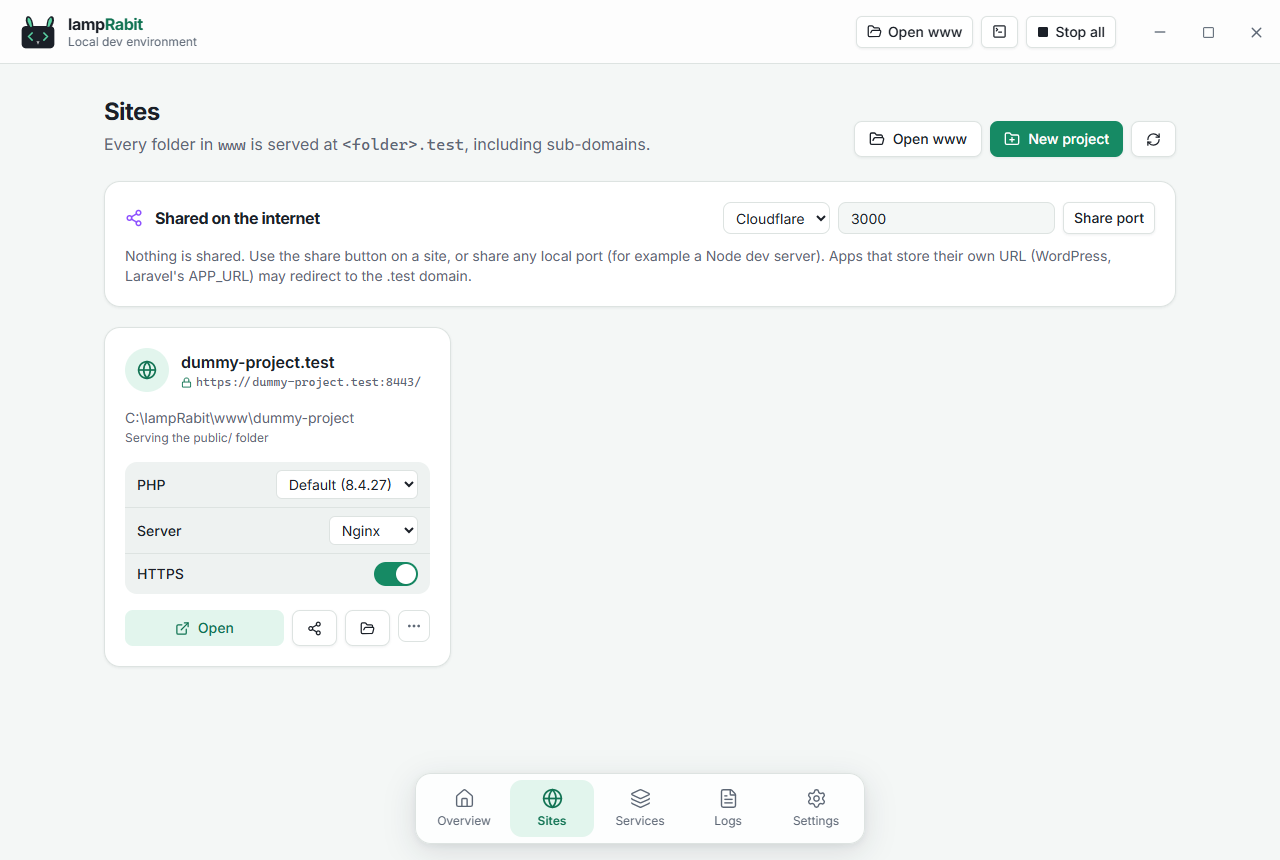
Folders in www are served at name.test with sub-domains, public/ detection and a trusted HTTPS certificate. Choose the PHP version, web server and HTTPS for each site right from its card.
Automatic .test domains, hosts file kept in sync
Trusted local HTTPS, per site
Share any site on a public URL
Services
Your whole stack on one screen.
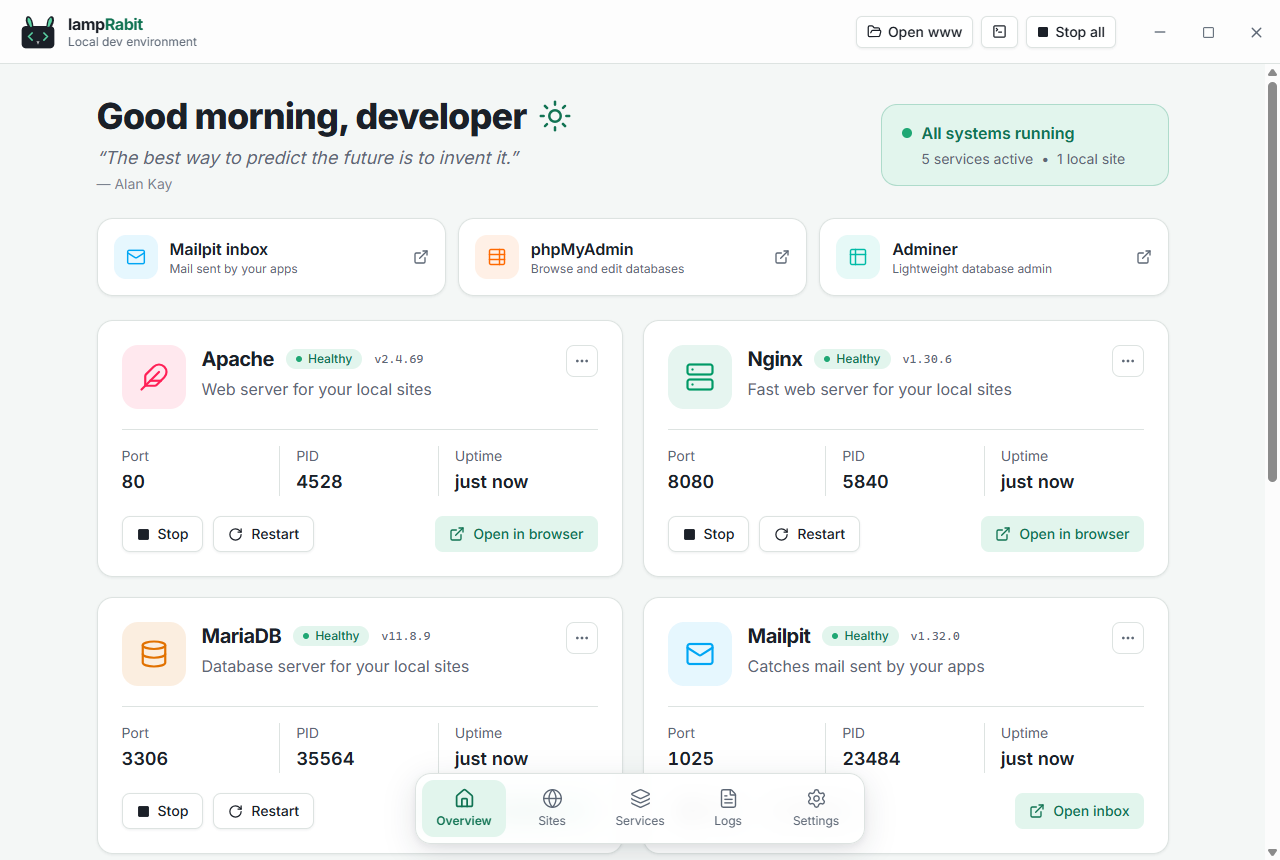
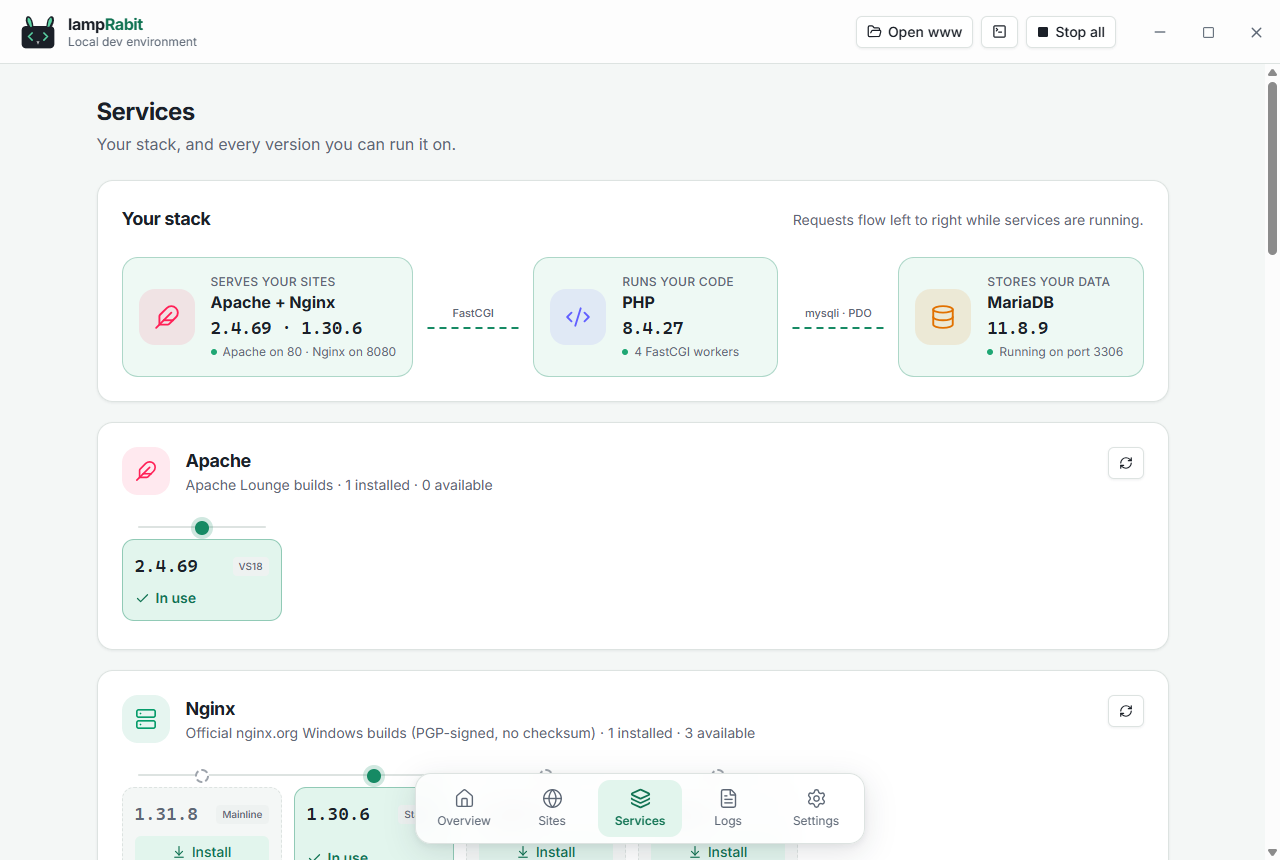
Start, stop and restart services one by one or all together. A live diagram shows how requests flow from your web server to PHP and the database, and every runtime shows the versions you have and the ones you can add.
Status, ports, process IDs and uptime
Install, switch and remove versions
Services never outlive the app
PHP
Every PHP version you need, side by side.
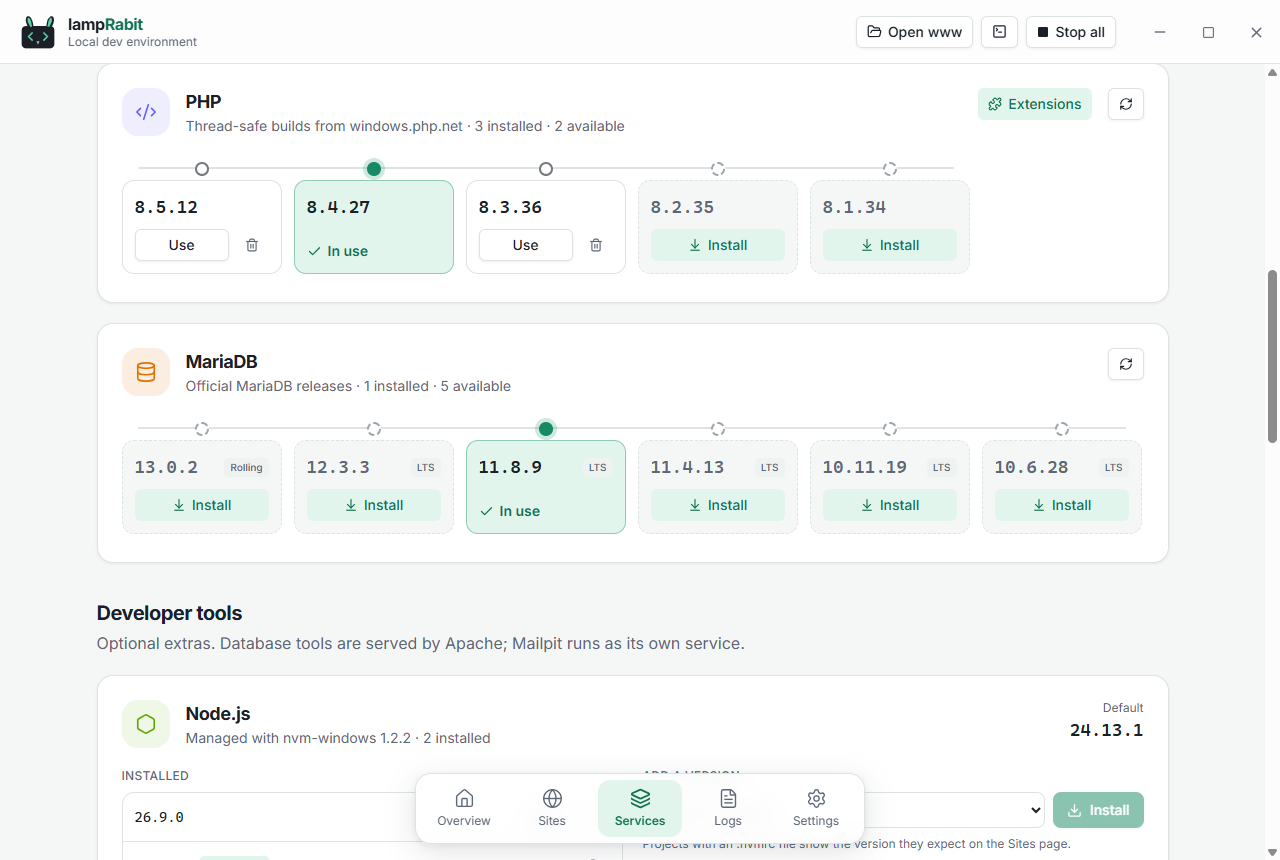
Install PHP 8.1 to 8.5 and keep them all. Each site runs on its own version, and in the terminal php and composer follow it too.
One-click installs and updates
A PHP version per site
Command-line tools on your PATH
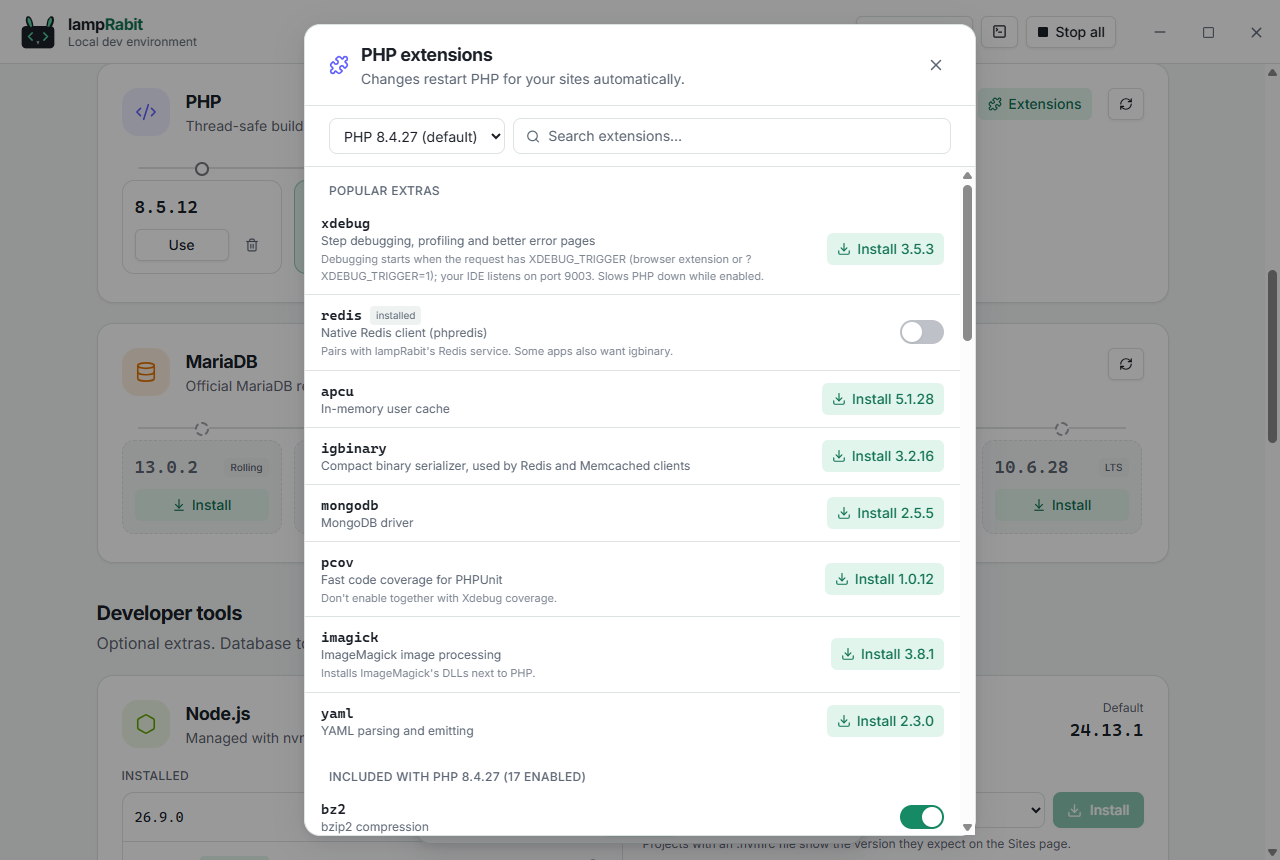
Extensions
Xdebug and friends, without the DLL hunt.
Switch bundled extensions on or off and install extras like Xdebug, Redis, APCu, Imagick and PCOV for each PHP version. PHP restarts for you.
Matched to your PHP version automatically
Xdebug preconfigured for step debugging
Search every extension
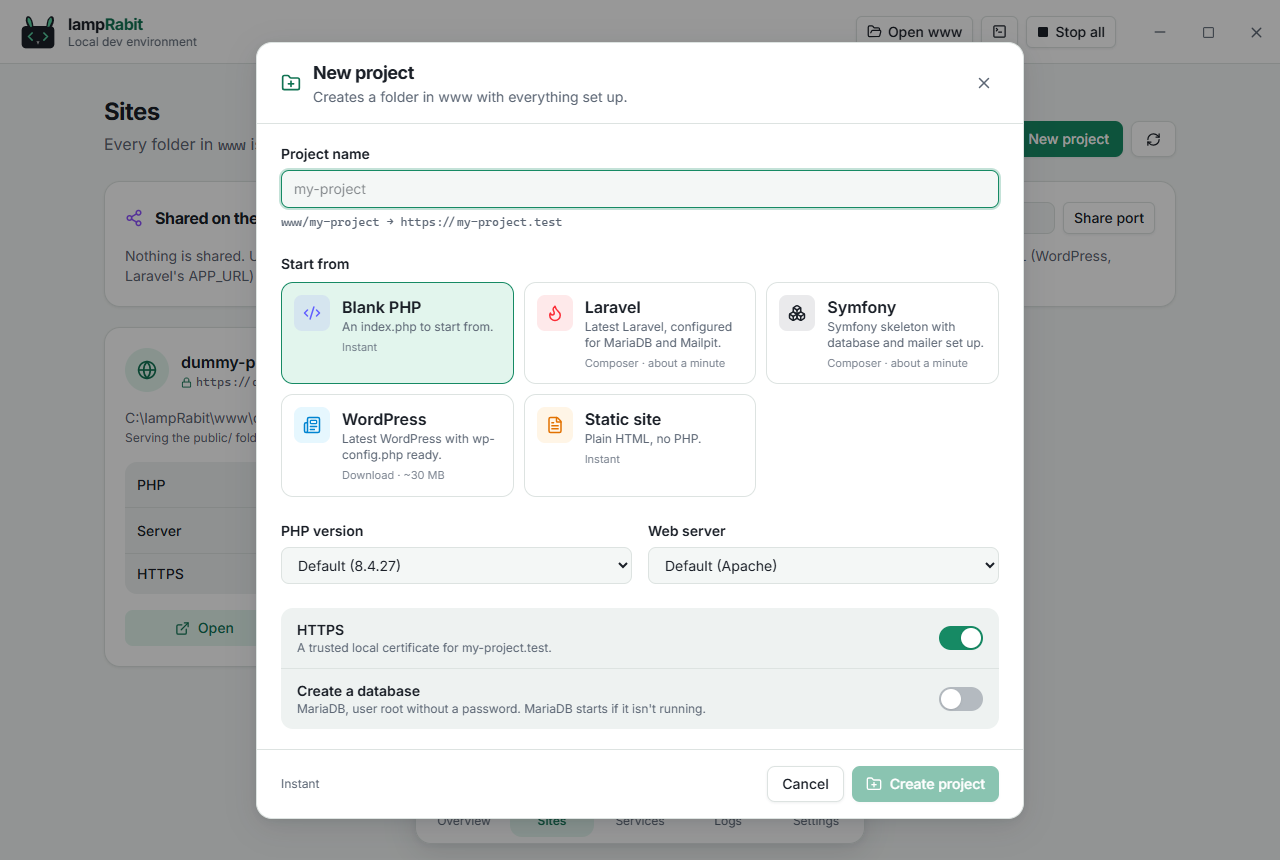
New projects
Laravel, Symfony or WordPress in about a minute.
Create a project with its database, mail settings and HTTPS already wired up. Composer is downloaded and verified the first time you need it.
Blank PHP, static, Laravel, Symfony, WordPress
Optional database, created for you
.env and wp-config.php written for you
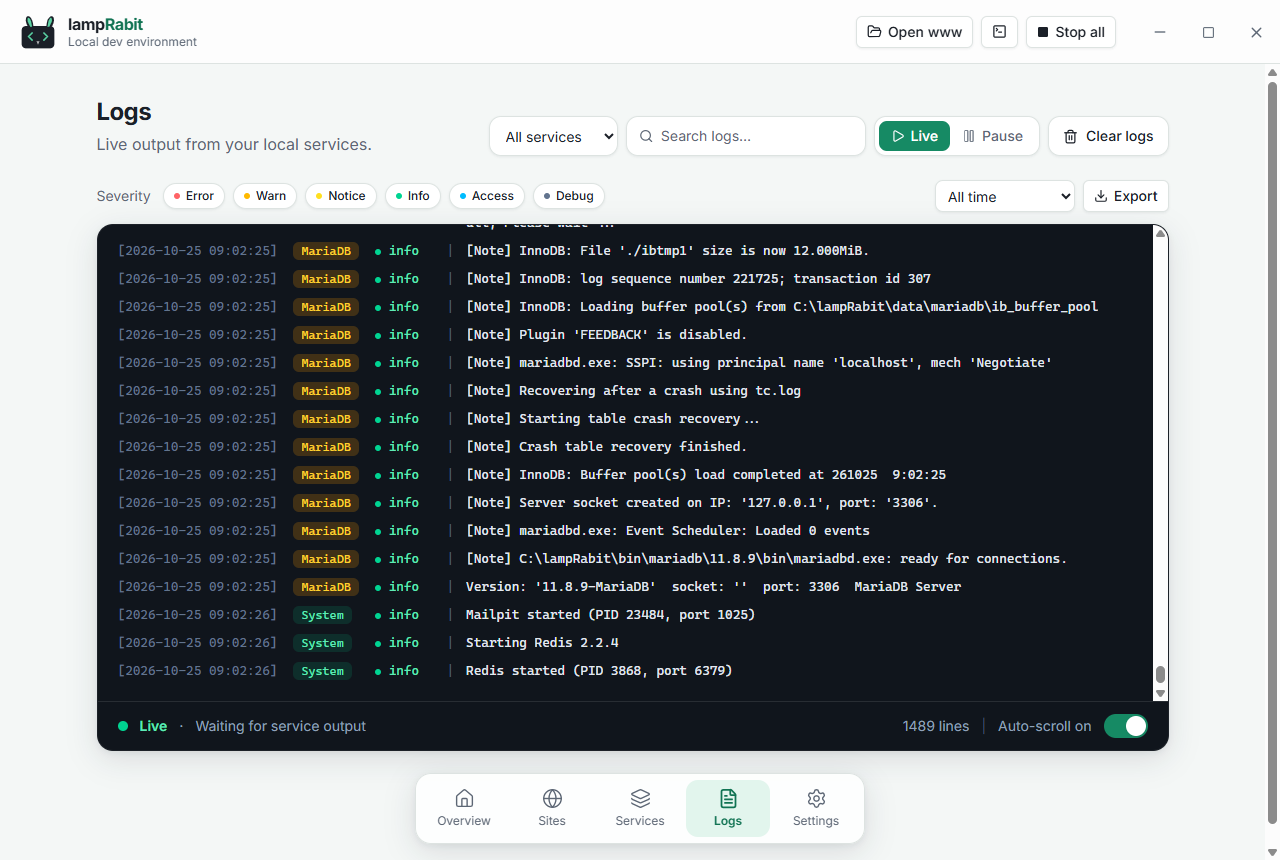
Logs
When something breaks, you see why.
Live logs from every service with filters and export, plain-language explanations when a service fails, and a diagnostics report you can paste into an issue.
Port conflicts name the program in the way
Config errors with the file and line
One-click diagnostics report
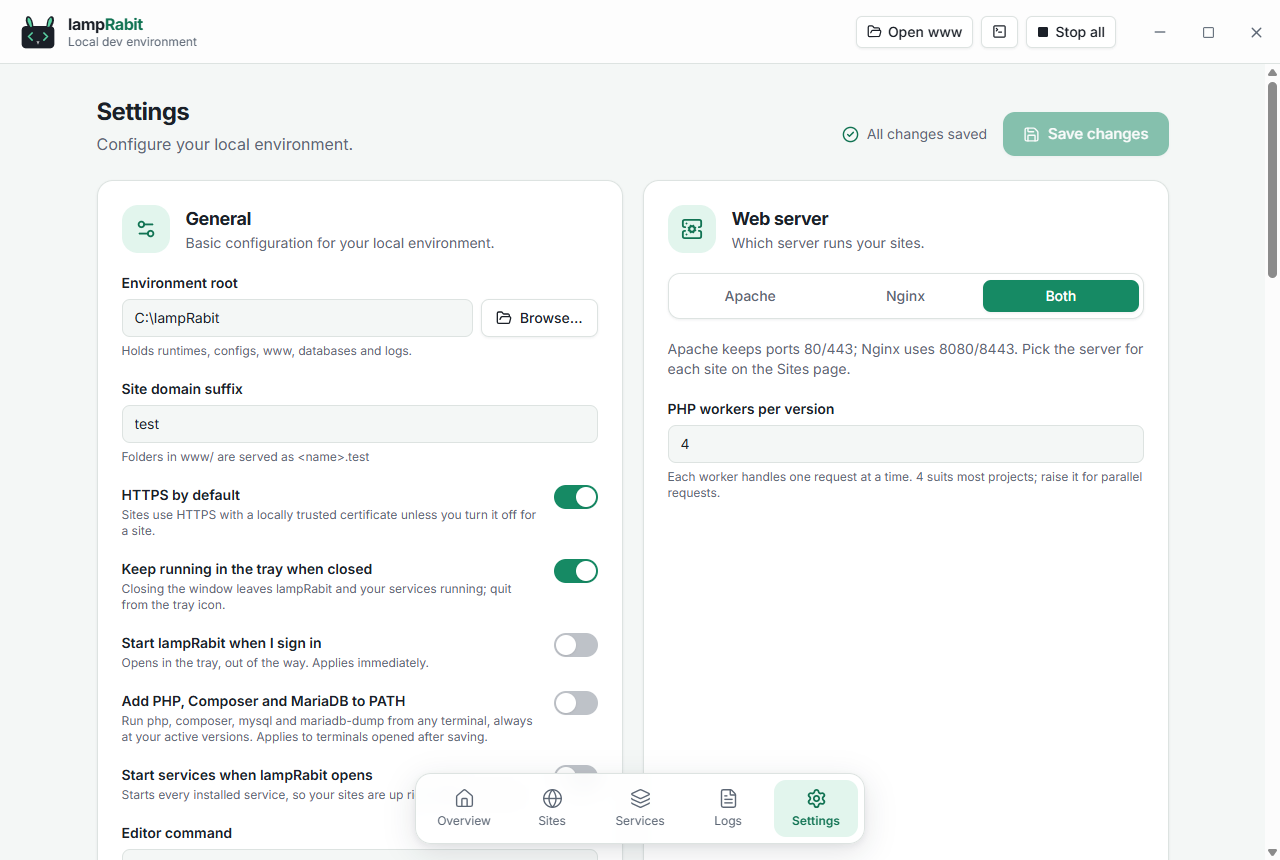
Settings
Sensible defaults, everything adjustable.
Ports, domain suffix, HTTPS by default, the web server mode, start with your computer, PATH tools, light and dark themes and how much motion you like. Options only show up on platforms where they work.
Live status under every port
Light, dark or follow the system
Reduced motion option
And a lot more
The small things that save you an afternoon.
Trusted HTTPS
A local certificate authority issues certificates for every site and sub-domain.
Apache and Nginx
Run one or both side by side and choose per site.
Mailpit inbox
Every email your apps send is caught locally, never delivered.
Share a site
Public URLs through Cloudflare Tunnel (no account) or ngrok.
Command line
php, composer and MariaDB tools on your PATH, per-site PHP included.
Redis and Memcached
A Redis-compatible cache with one click, Memcached where available.
Health checks
Services are checked every few seconds, not just assumed running.
Port conflicts
See which program holds a port and fix it in one step.
Node.js via NVM
Install and switch Node versions; sites show what .nvmrc expects.
Logs and diagnostics
Filter, search and export logs; copy a privacy-safe report.
Tray and autostart
Lives in your tray and can start with your computer.
Updates itself
Signed updates for the app, and notices for newer runtimes.